
This comprehensive guide offers a detailed walkthrough on deploying a Laravel application using the Infrastructure-as-a-Service (IaaS) model. It specifically focuses on utilizing the AWS EC2 virtual machine (VM) to host and deploy the application using Docker.
Pre Requisites:
- You need an AWS and a DockerHub Account.
- Have an EC2 VM created on AWS and Connect to it using SSH or Putty.
- Have a little bit of knowledge of using Laravel and Docker.
Clone Laravel Project
bash
mkdir Blog
cd Blog/
git clone https://github.com/MohammadHarisZia/Blog-CMS.git
cd Blog-CMS/
Create Dockerfile
nano Dockerfile
Write Docker file
dockerfile
FROM php:8.1

RUN apt-get update -y && apt-get install -y openssl zip unzip git

RUN curl -sS https://getcomposer.org/installer | php -- --install-dir=/usr/local/bin --filename=composer

RUN docker-php-ext-install pdo pdo_mysql bcmath

WORKDIR /app

COPY . /app

RUN composer install

RUN cp .env.example .env

RUN php artisan key:generate
Login using DockerHub
bash
docker login
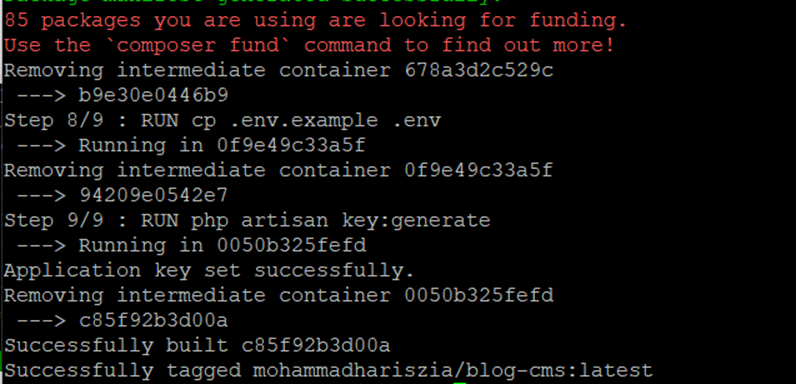
Build docker Image
bash
sudo docker build -t mohammadhariszia/Blog-CMS .
Note: Make sure to change the username and project title.
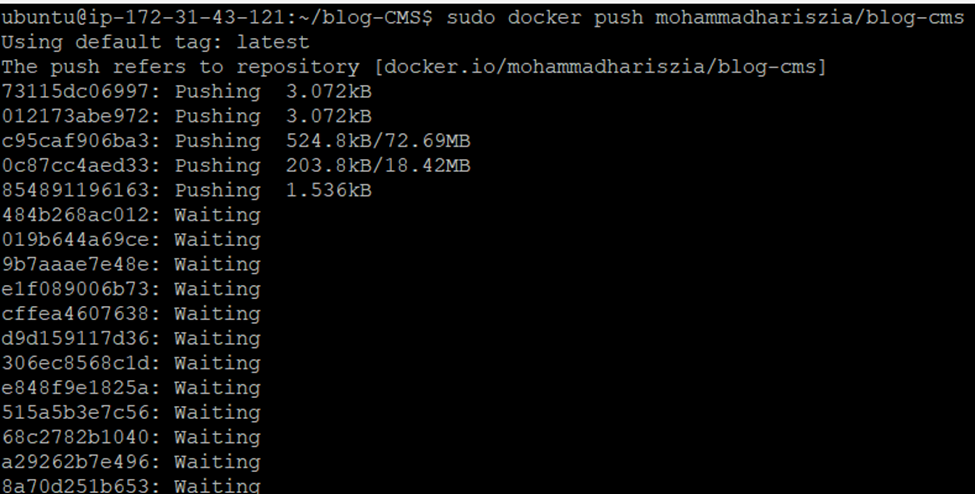
Push Image to DockerHub
bash
sudo docker push mohammadhariszia/Blog-CMS

AWS Configuration to run the Image
bash
mkdir test
cd test
nano docker-compose.yml
Write Docker compose file
yaml
version: '3'

services:

  mysql:
    image: mysql:8
    container_name: mysql
    ports:
      - "3306:3306"
    volumes:
      - ./mysql:/var/lib/mysql
    environment:
      MYSQL_ROOT_PASSWORD: homestead
      MYSQL_DATABASE: homestead
      MYSQL_USER: homestead
      MYSQL_PASSWORD: homestead
      SERVICE_TAGS: dev
      SERVICE_NAME: mysql
    deploy:
        resources:
            limits:
              cpus: 0.5
              memory: 450M

  app:
    container_name: php
    command: bash -c "php artisan migrate && php artisan db:seed && php artisan serve --host=0.0.0.0 --port=8181"
    image: mohammadhariszia/blog
    ports:
      - "8181:8181"
    deploy:
        resources:
            limits:
              cpus: 0.5
              memory: 200M
Note: I have added limitations to containers because of problems with aws free-tier resource allocation. You may remove them.
Run Containers
MySQL
bash
sudo docker-compose up -d mysql
PHP
bash
sudo docker-compose up -d
And Voila, You just successfully ran a dockerized image in AWS.
Originally published on Medium.