
This comprehensive guide offers a detailed walkthrough on deploying a Laravel application using the Platform-as-a-Service (PaaS) model. It specifically focuses on utilizing the AWS RDS (Relational Database Service), EBS (Elastic BeanStalk) and S3 (Simple Storage Service) to host and deploy the application.
Pre Requisites:
- You need an AWS account
- A zipped version of your Laravel Project
- Have a little bit of knowledge of using Laravel, AWS and PAAS.
Amazon Elastic Beanstalk
Create an application using AWS EBS
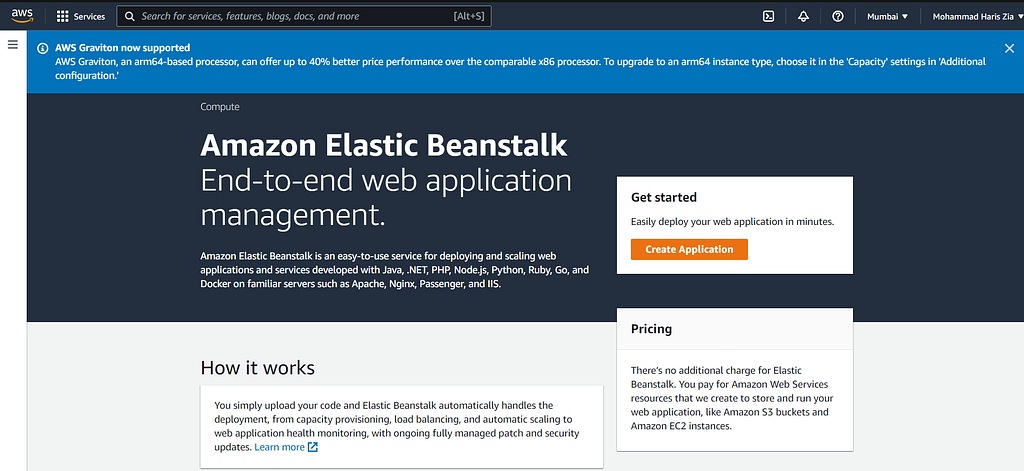
Configure Settings
Write your desired Application Name for deployment.
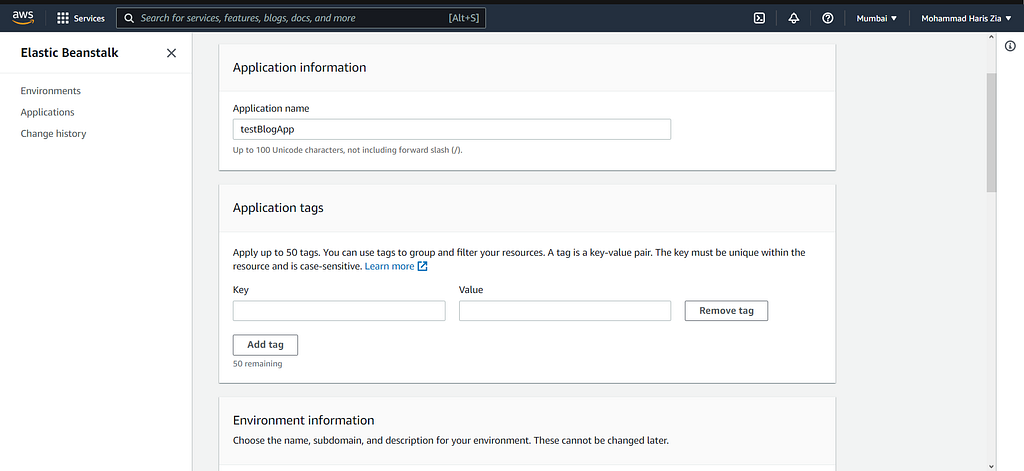
Application Name
Write your desired Environment Name for deployment.
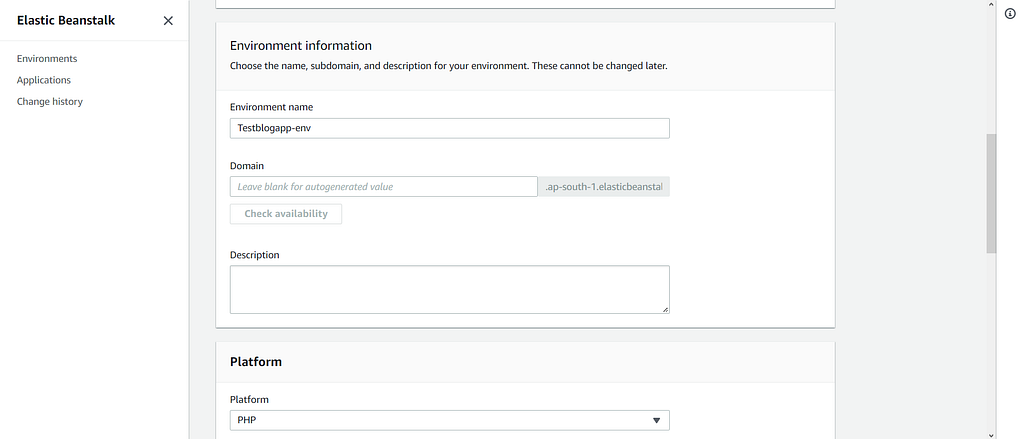
Environment Name
Select your PHP version for deployment.
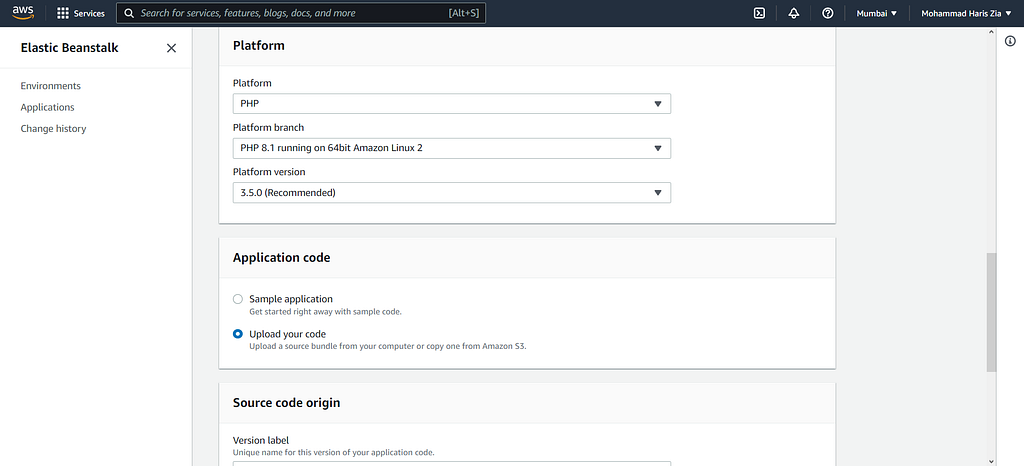
PHP version
Upload the zipped code.
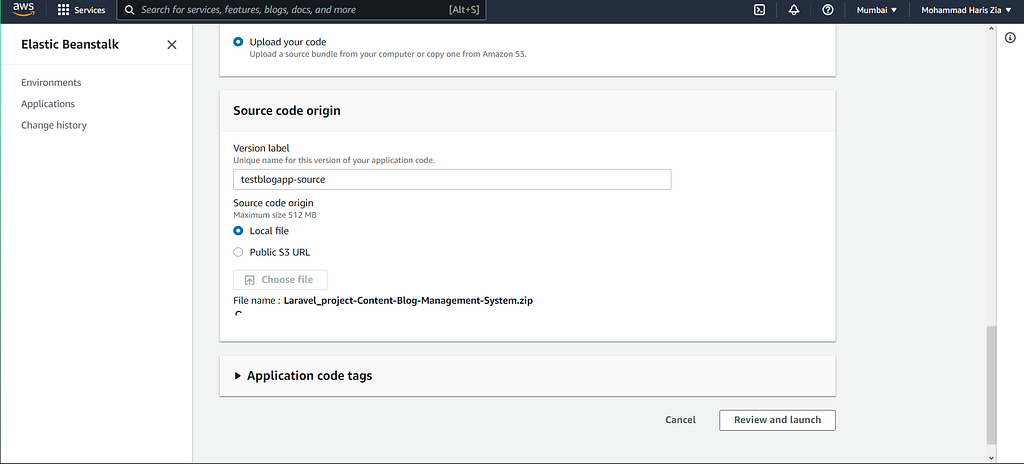
Zipped Code
Select/Create VM key pair permissions for the EC2 server for SSH connections.
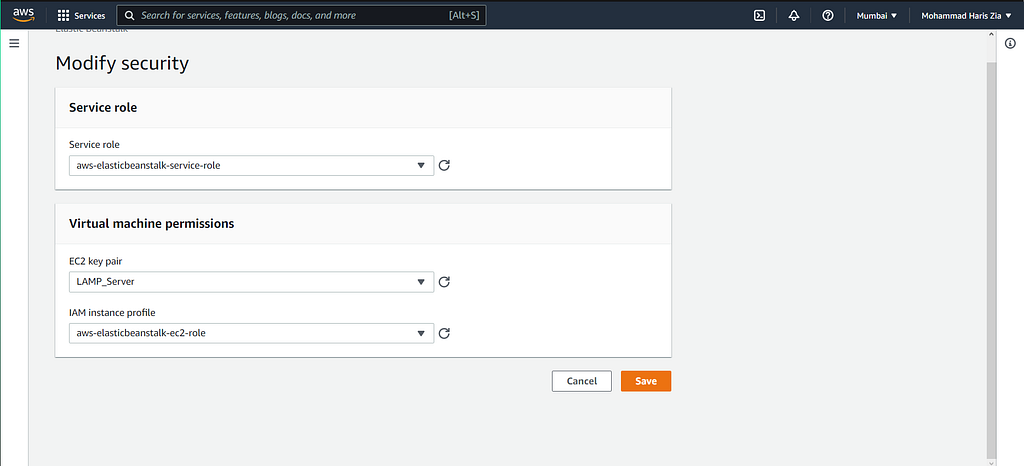
VM Permissions
Save and see progress in the AWS console to read logs.
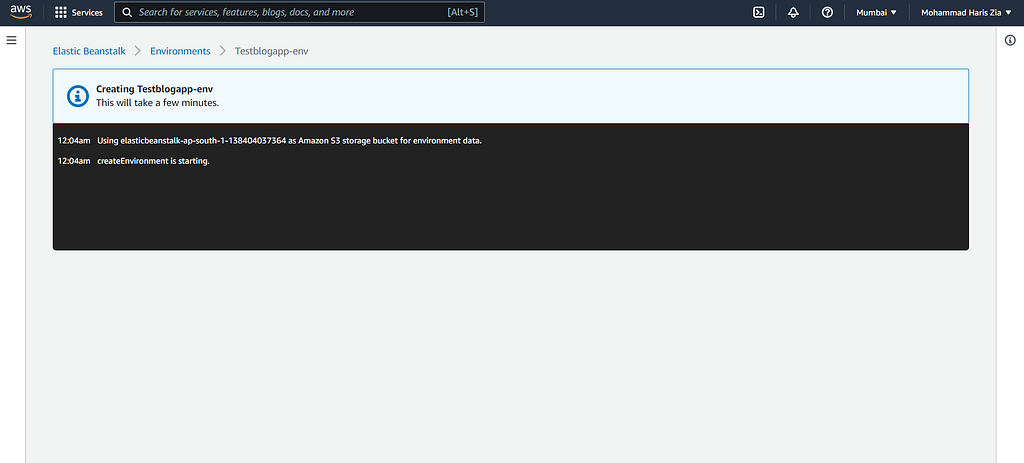
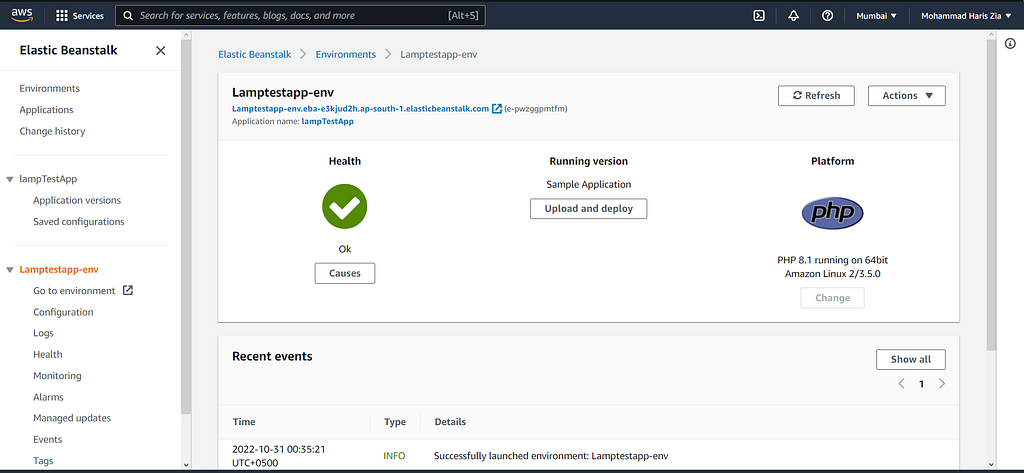
Successful deployment shows Health as OK
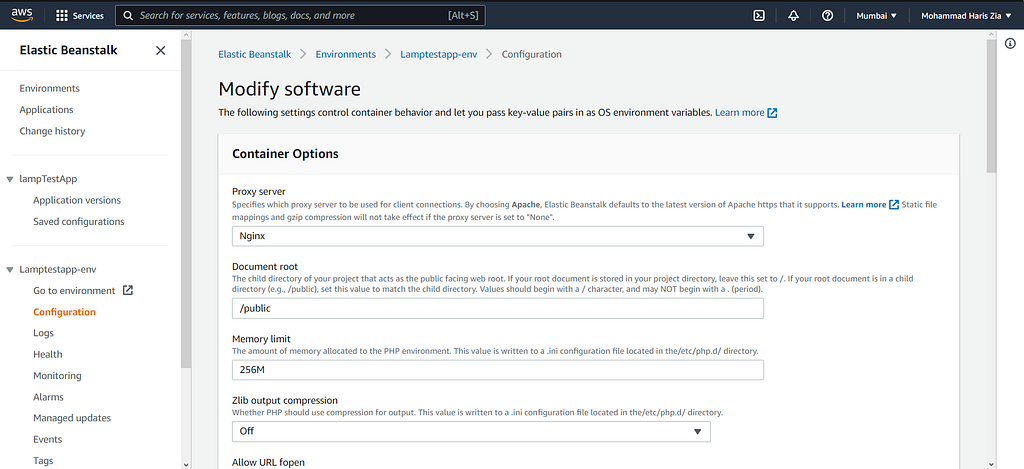
Change configurations for the public folder as default lookup.
*Error *(Routes not working for the application.)

Open the Terminal using SSH or Putty and use the following commands.
cd /etc/nginx
cd conf.d
ls
cd elasticbeanstalk/
sudo nano laravel.conf
Type the following text in Laravel.conf file
location / {
  try_files Suri Suri/ /index.php?query_string;
}
Restart nginx server
sudo systemctl restart nginx
Potential Error SQLSTATE[HYOOOI [2002] Connection refused
Reasons: No RDS Database Found.
AWS RDS
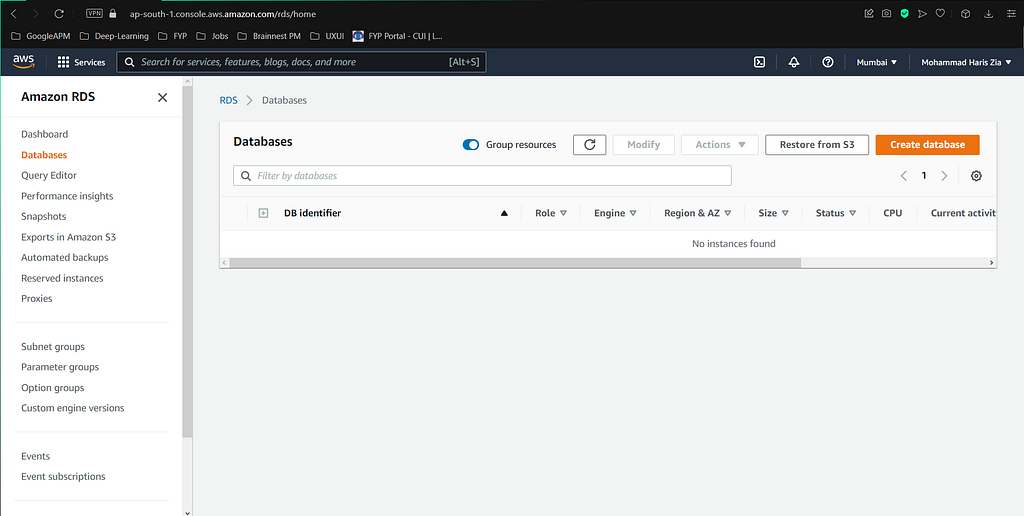
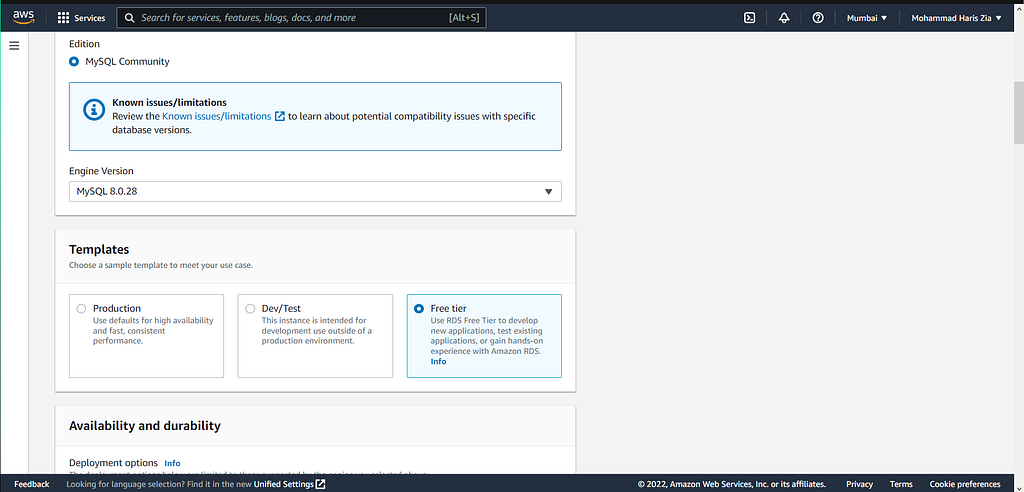
Create a new database using Amazon RDS.
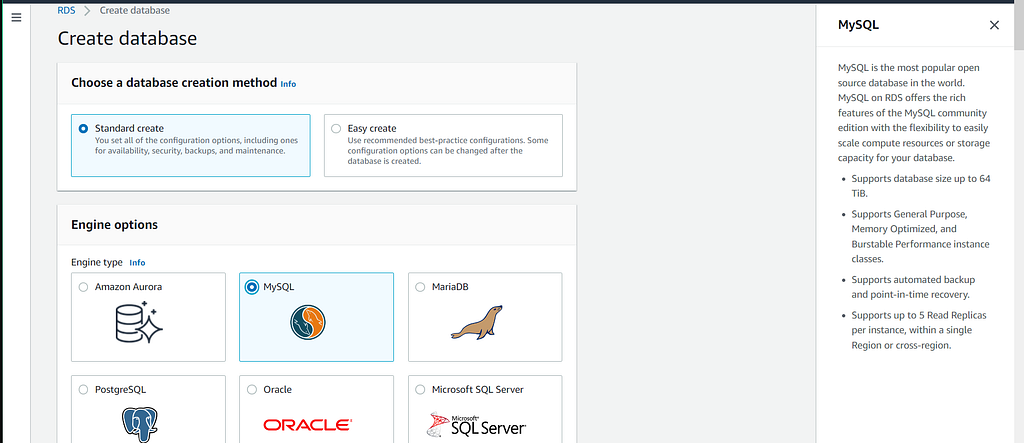
Choose your Desired Database. (MySQL in my case)
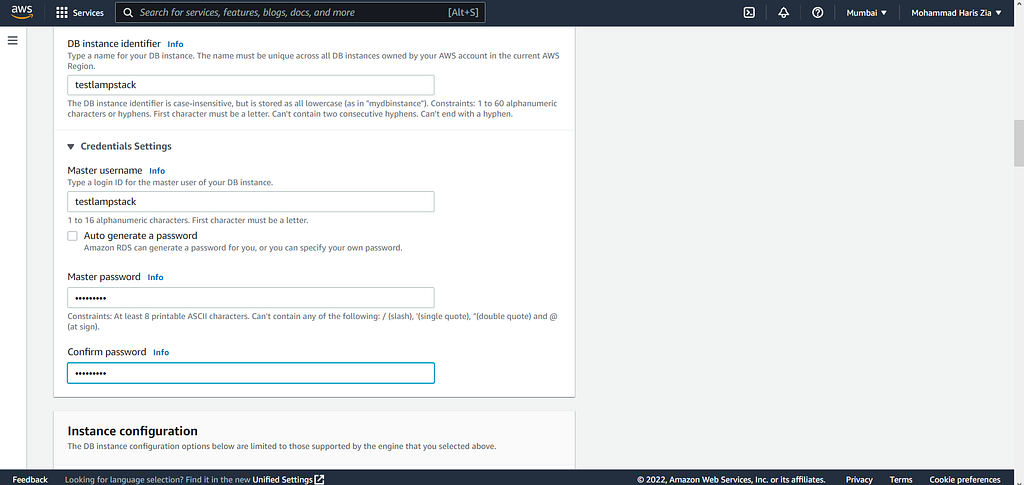
Add credentials to the database for the connection.
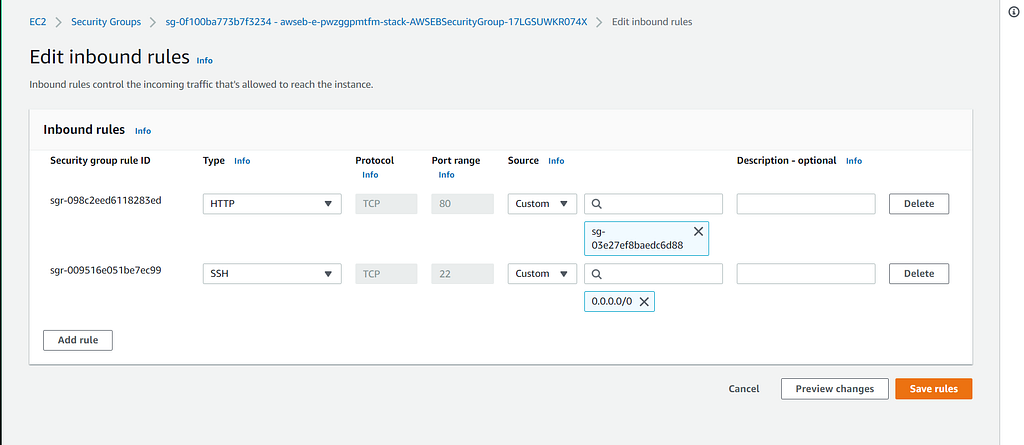
Add Inbound security rules to access the Database globally.
Change env variables using terminal
cd /var/www/html
sudo nano .env
Migrate and Seed Database.
php artisan migrate
php artisan db:seed
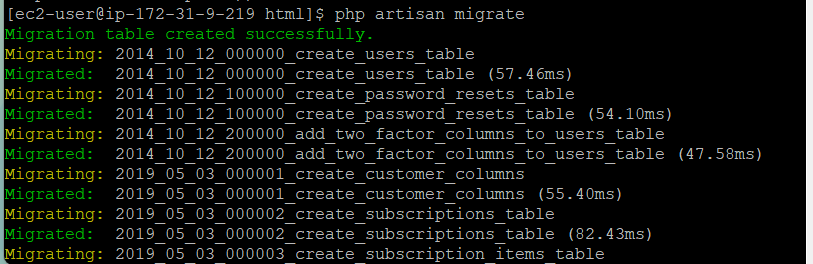
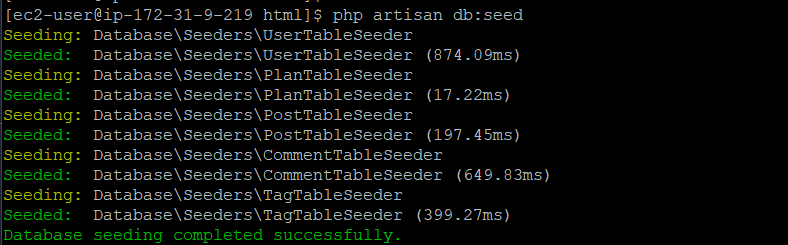
And Voila, You have deployed using the AWS PAAS model.
Originally published on Medium.